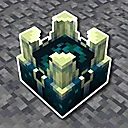
A destination beyond the Ancient City
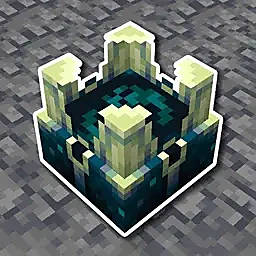
The reinforced deepslate gateway leads into the Otherside, adding a new destination to the Deep Dark progression.
Deeper And Darker Mod expands Minecraft’s Deep Dark with the mysterious Otherside dimension, eerie environments, powerful gear, unique creatures and challenging adventures. Explore new discoveries in Minecraft Java 1.21.1 with NeoForge.
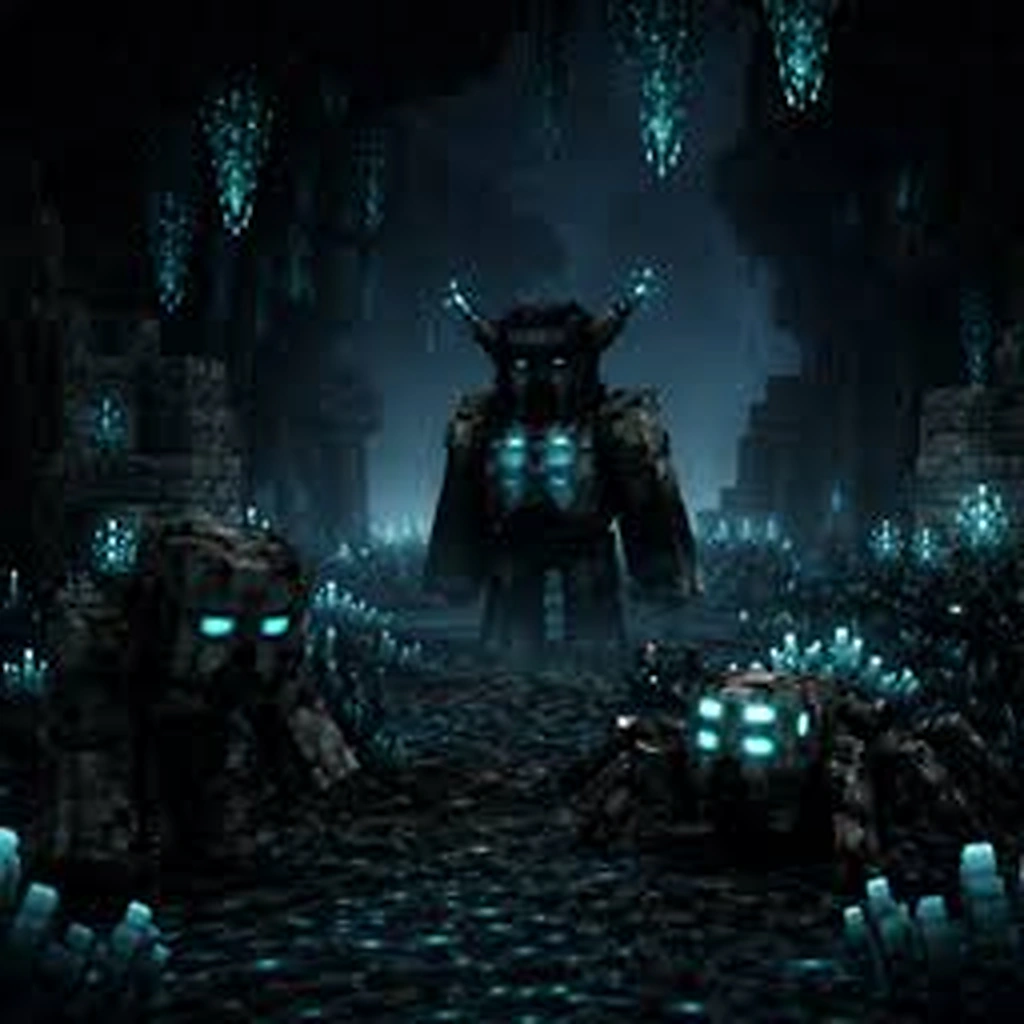
Deeper and Darker extends Minecraft’s Deep Dark with the mysterious Otherside, new blocks, gear and more reasons to explore beyond the Ancient City.
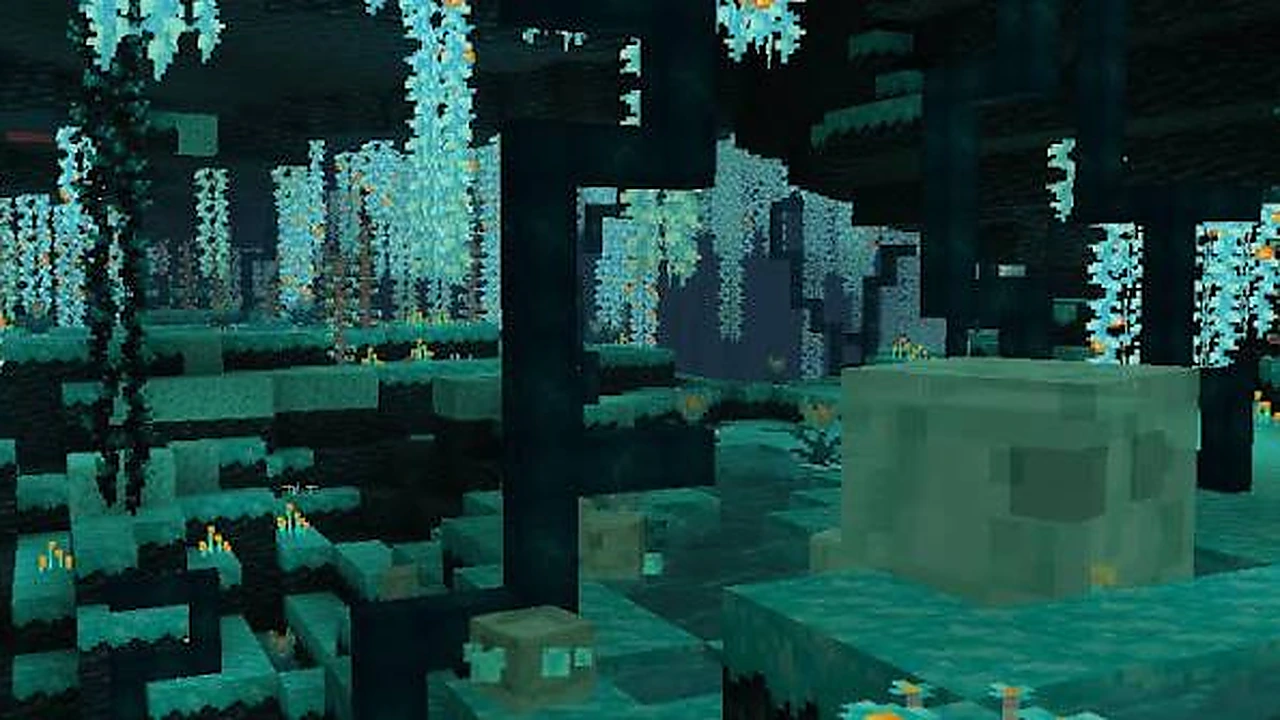
Discover a new dimension through the Ancient City gateway, collect sculk-themed materials and explore unfamiliar environments. Get the Minecraft 1.21.1 NeoForge release directly from CurseForge.
Four ways Deeper and Darker expands the Deep Dark adventure.
The reinforced deepslate gateway leads into the Otherside, adding a new destination to the Deep Dark progression.
New blocks and materials bring dark teal textures to underground bases, structures, and atmospheric builds.
Equipment inspired by the Warden adds new goals beyond exploring the biome and gathering resources.
Client and server availability makes it possible to explore together with compatible modded setups.
Dark cyan sculk, strange forests and a more hostile underground mood. Explore the visual themes that shape the Deeper and Darker experience.
Cool cyan accents against dark stone create the underground atmosphere.
Luminous woodland palettes bring a different character to exploration.
Weapons, equipment and materials carry the mod's distinctive visual language.
The mod has two separate journeys: first you install the correct Java mod file, then you progress in-game toward the Ancient City portal. Keeping those stages separate makes troubleshooting much easier.
Use Minecraft 1.21.1, NeoForge and Deeper and Darker 1.4.1. Avoid incompatible versions or loaders.
Move the downloaded JAR into your NeoForge mods folder. Start Minecraft and verify the mod loads.
Locate an Ancient City portal frame made of reinforced deepslate. Clear blocks from its opening.
Obtain the Heart of the Deep from the Warden, then use it on the portal frame to activate it.
Deeper And Darker Mod 1.4.1 brings new exploration, mysterious environments and powerful equipment to Minecraft Java 1.21.1 with NeoForge. Experience the Otherside and expand your Deep Dark adventure.
Download from CurseForge“Deeper and Darker” has multiple builds across several Minecraft versions and mod loaders. Different mod-loader and Minecraft-version builds are not interchangeable. Check the compatibility details before installing.
| Requirement | Direct file on this site | Notes |
|---|---|---|
| Minecraft edition | Java Edition | The official project is a Java mod project; this is not a Bedrock/MCPE package. |
| Minecraft version | 1.21.1 | Keep the game version aligned with the file. |
| Mod loader | NeoForge | Other loaders have separate builds on the project page. |
| Environment | Client & Server | CurseForge lists the project environment as client and server. |
| CPU / RAM | Not specified by the project listing | Use resources appropriate for your broader modpack; no fixed hardware number is invented here. |
| Architecture | Java runtime / platform dependent | The mod file is a JAR, not a native x64 or ARM executable. |
| Internet | Required for download | Single-player gameplay itself does not require this site after installation. |
Use a separate launcher profile for experimental mod setups and back up any world you care about before adding, removing or upgrading a dimension mod. This is especially important when a mod can create blocks, structures and dimensions that a vanilla world cannot interpret after the mod is removed.
For servers, keep the server’s Minecraft version, loader and Deeper and Darker version consistent with the clients that need to join. When troubleshooting, reproduce the issue with the smallest reasonable mod list, then reintroduce other mods in groups. That is faster than guessing at random settings.
Do not disable antivirus, operating-system protections or browser security merely to make a mod install. The file link on this page is a CurseForge source URL; if your browser or security software reports a concern, verify the exact URL and investigate the warning instead of bypassing protection.
Start with the problem you can see. Select a symptom to check the most relevant fix without changing files at random.
Confirm you are launching Minecraft 1.21.1 with NeoForge. Remove the newly added JAR, start the profile once, then restore only the Deeper and Darker file. If the loader reports a dependency or conflict, follow the message in the log rather than downloading unrelated files from random mirrors.
NEXT ACTION Verify profile + loaderTest in a fresh world with the same profile. If the problem happens only in one save, preserve a backup before continuing. World-generation and dimension mods can leave data in saves, so repeated remove/reinstall cycles are not a safe troubleshooting strategy.
NEXT ACTION Back up the affected saveVerify the reinforced deepslate frame, clear the inner opening of sculk veins or other obstructions, and use the Heart of the Deep on the frame. For a deeper walkthrough, use the dedicated portal guide ↗.
NEXT ACTION Clear the frame openingThe mod works best when you treat it as a progression and exploration layer, not as a single item pack. That changes how you plan a new world, a long-running server and even a creative build project.
A practical checklist for stable modded adventures.
Keep Minecraft, loader and Deeper and Darker versions aligned on every client and server.
Save your world and test major mod changes on a copy before updating the live game.
Test with a minimal mod list, then add other mods gradually to find conflicts.
For other Minecraft versions or mod loaders, choose the matching release on the official CurseForge project page.
These guides focus on the questions that actually block players: the correct file, portal activation, the Otherside, loader compatibility and whether a Java mod can be used on Bedrock or MCPE.
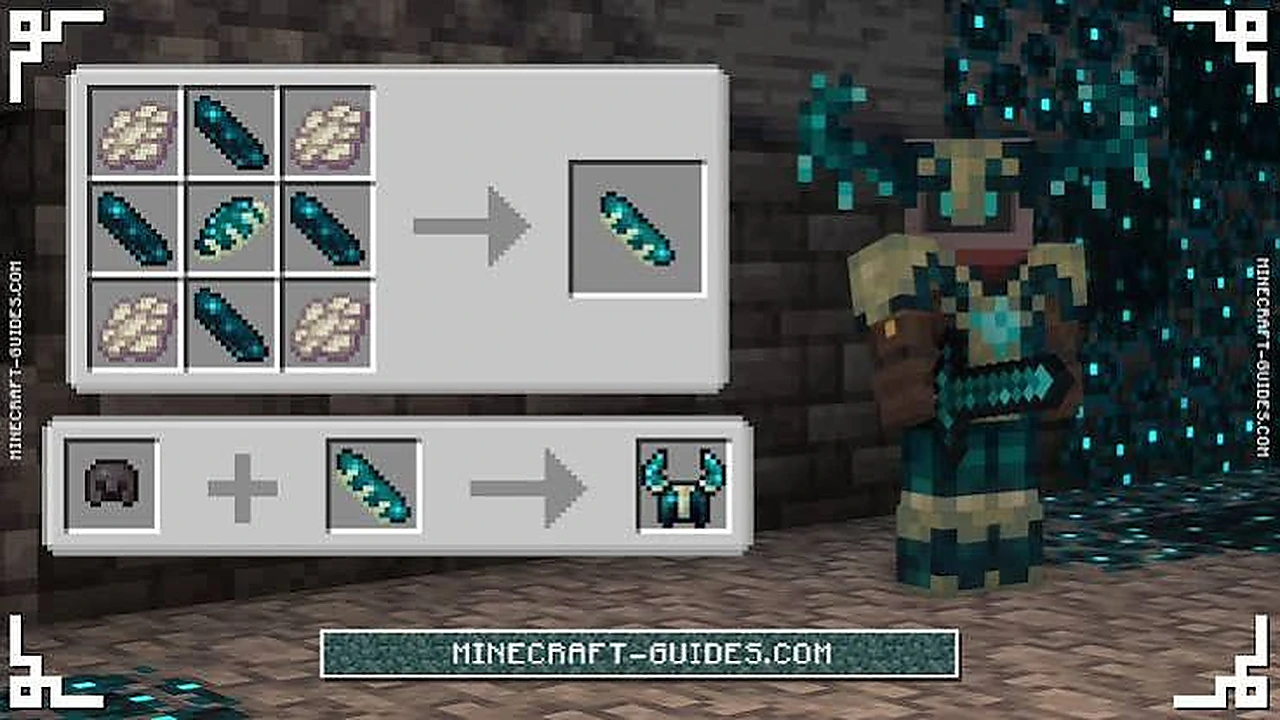
Install the Deeper and Darker 1.4.1 JAR in a Minecraft 1.21.1 NeoForge profile, then launch the game.
Read guide →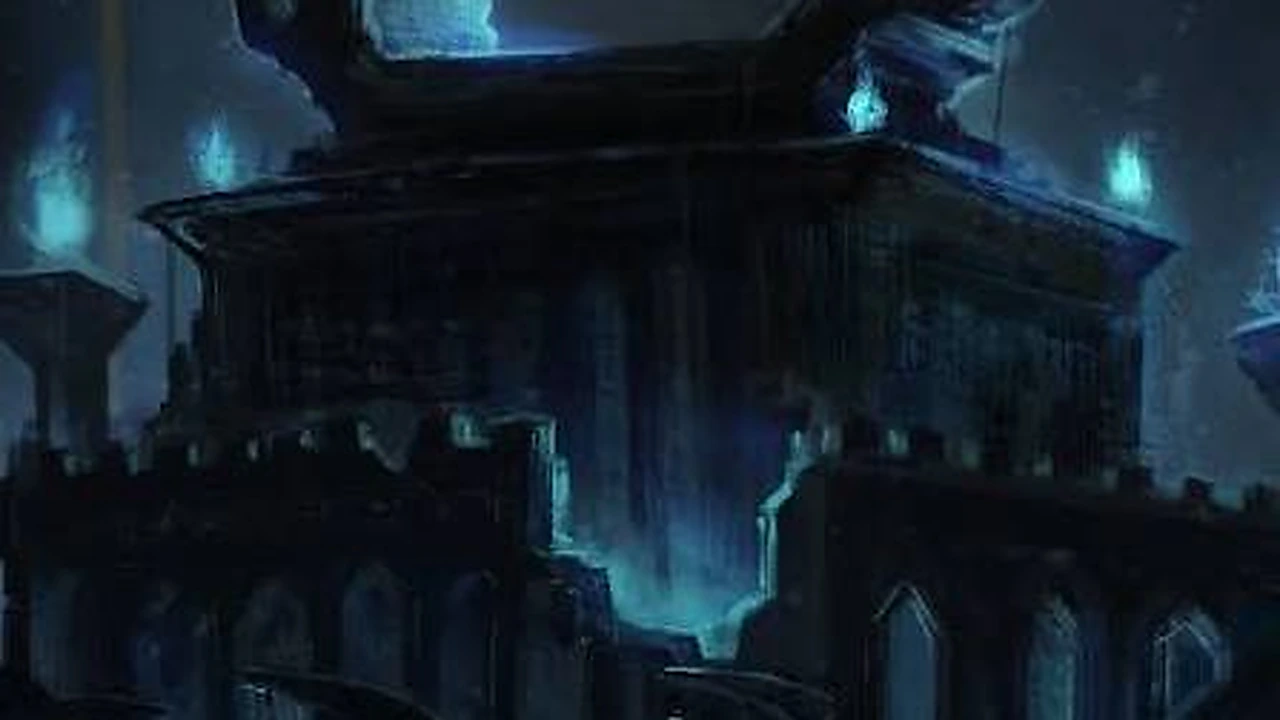
The reinforced deepslate gateway, the Heart of the Deep, and what to check when it will not ignite.
Read guide →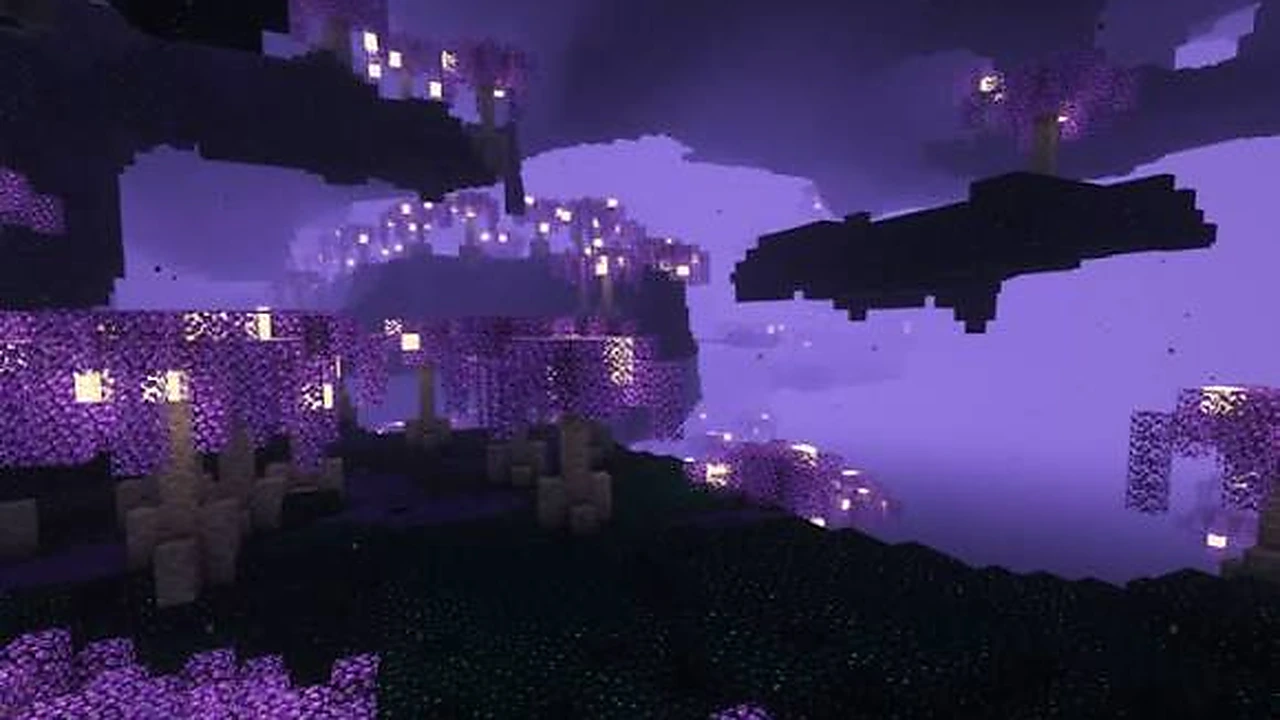
What the Otherside is, how you reach it, and how to prepare before entering.
Read guide →Find answers about compatible Minecraft versions, NeoForge installation, the Otherside portal and common launch problems.
The Download button retrieves Deeper and Darker mod 1.4.1 for Minecraft 1.21.1 NeoForge from CurseForge.